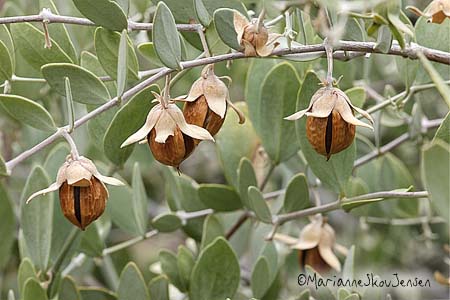
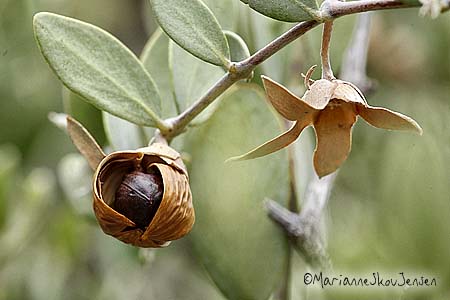
This property may not have had any boulders but wow does it have a lot of Jojoba!
Having shrubs that produce fruit you can eat beats having a nice big boulder any day.
It’s interesting to watch the shell curl more and more each day until it literally pushes the fruit out.
Harris Antelope Ground Squirrels then bury them all over the yard and forget the locations 🙂
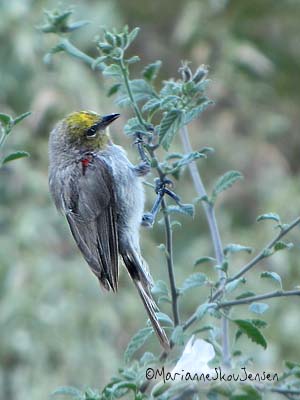
Every morning this week (very early), I’ve noticed a pair of very tiny birds visiting the Cordia in the back yard. I suspected they were Verdins and was happy to find they were!
My initial intent was to plant only native plants and shrubs in the yard but seeing how
much the Verdins and other birds love the Cordia, I’m thinking of planting another one!
Here’s a shot captured this morning with my Canon SX10. (too bad it’s in shade)
I’m taking a break today so here’s an image of Rainier Cherries from my archives.
These cherries are very different from regular cherries and especially delicious when cold!
There are still some left in the stores but it’s getting toward the end of the season.
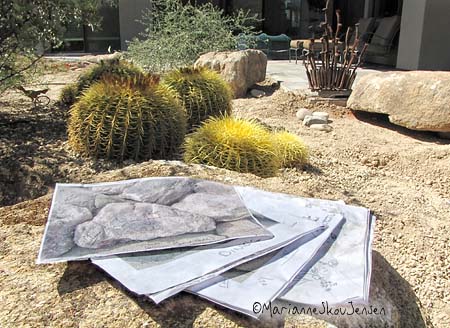
Since the crane company charges for travel time as well as site time, I worked hard to make
sure I was completely prepared so we wouldn’t waste one single minute. Being prepared
ended up saving over an hour of time thus saving lots of money.
Time and money savers?:
First: A detailed plan. Second: Photos of each and every boulder with measurements on photos.
Third: Holes dug for boulders. Fourth?: Chris! He dislikes (INTENSELY!) anything to do with yard
work so this was a HUGE favor on his part. I’m very grateful because it saved me from having to
hire someone to help me position the boulders (takes 2 people).
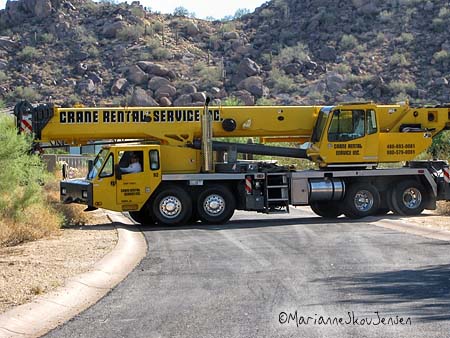
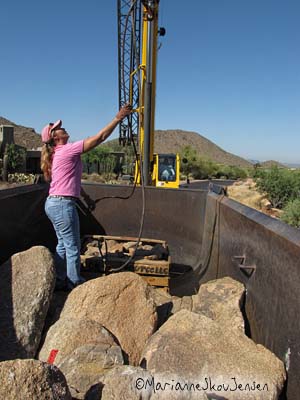
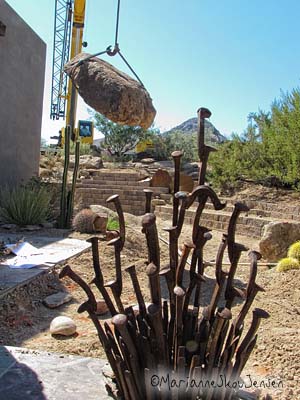
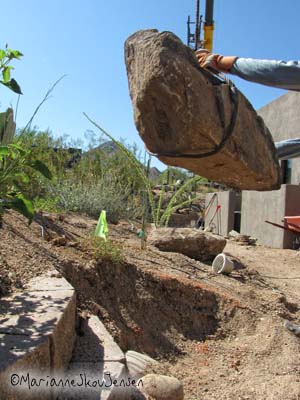
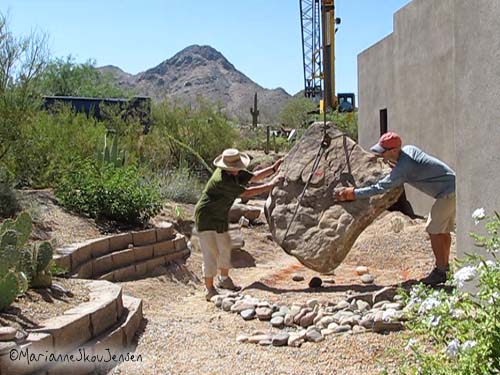
crane arrives and has to make a 3 point turn at dead endPam the Boulder Girl rocks! 🙂
thanks Chris 🙂
I can hardly move this morning but all in all it was SO much fun 🙂
Here’s a link to excellent Photoshop video training by photographer.
Ron Bigelow. Knowing how much time these things take to put together,
Ron is obviously very generous! Be sure to check them out especially if
you’re interested in learning more about Smart Objects.
Next to photography, there’s nothing I love more than gardening so that will never end.
What IS nearing completion, though, are the largest of my landscaping projects. Yea!
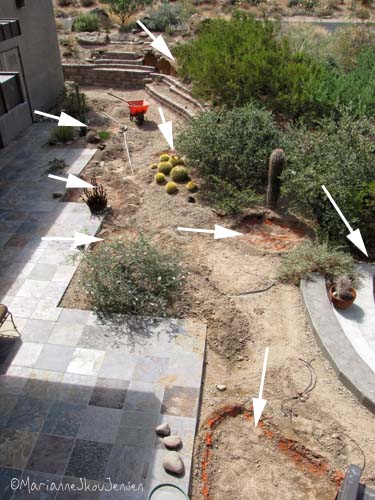
This shot shows the holes I’ve dug for the boulders in the back yard. From above, they
sure don’t look like they required much work. From my complaining, you know better 🙂
Tons (literally) of boulders arrive tomorrow and I’m so eager to see the difference they’ll make.
Boulders are being delivered on Monday so all this week I’ve been busy digging holes for them.
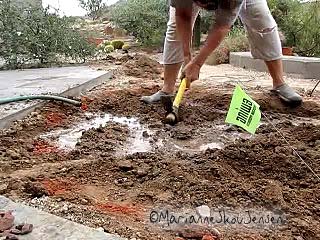
(They’ll look more natural if they’re slightly below ground). Here’s an image showing a hole
I’ve been picking at for 3 days! Can you spell Caliche? C – E – M – E – N – T 🙂
Of course I had to document my swinging a pick ax so I set my Canon SX10 on a little tripod
and turned it to movie mode. The following is a single frame extracted from that video.
Single frame extracted from video
I’m a Windows user and have always used Windows Movie Maker to quickly grab stills from movies.
(The program comes installed on PCs) Unfortunately, my two latest cameras generate a .mov format
which Movie Maker doesn’t recognize. So what Options do Windows users have?
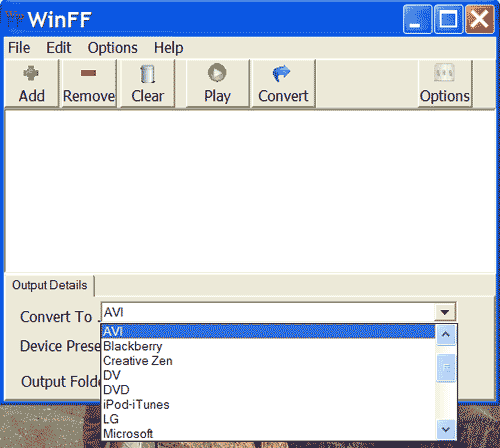
One option is to get a file converter. I’ve tried a free program called WinnFF which works great.
It not only converts your .mov files to .avi which Movie Maker recognizes but also to numerous other
formats if you might need. It’s called WinnFF.
WinnFF converts to MANY popular formats
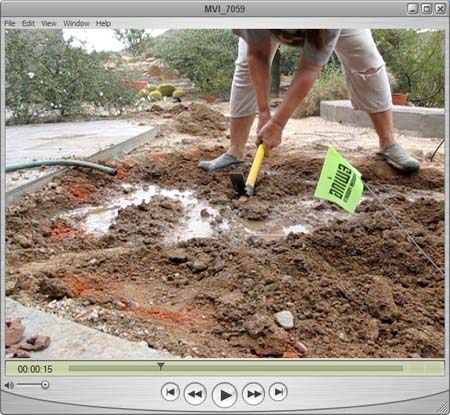
Another free (and easy) option requires QuickTime Player. You would just play the movie and stop it
when you see a frame you like. Then do a screen shot and paste it into your photo editor and crop.
Free Quick Time Player
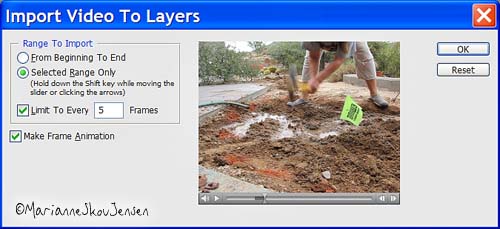
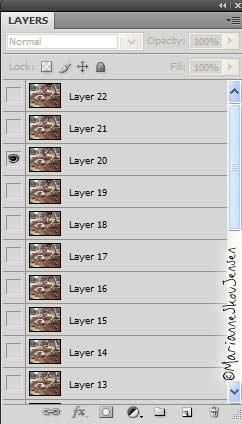
The option I used this morning was Photoshop CS4 Extended. It has a script that will import movie
frames as layers (you must have QuickTime Player installed). This script is also fun for creating Time Lapse.
Photoshop CS4 Extended's scriptLayers created from video file
The next option is to buy video editing software. My first digicam (Minolta Dimage 7) had a movie function
so I’ve been playing with video since 2000. I’m by no means an expert but I’ve learned a bit over the years.
Because the Minolta captured in the .mov format, the first program I used was Quick Time Pro. It has limited
editing capabilities but you’ll at least you can play with your movies if they are .mov.
Take it from my experience; Quick Time Pro is NOT user friendly! But for the price, it’s a good way to get started.
You’ll need Quick Time Player 7 to upgrade to Pro.
Since then, I’ve tried a few video editing programs and have settled on Sony Vegas Studio.
Comparing it to the big guns (Final Cut Pro and Adobe Premier ), it had everything I needed and MORE.
The best part is that it’s affordable.
Today, you have access to tons of free online video tutorials for most video editors.
When I started, I had to resort to user manuals and trial and error. Talk about confusing!
UPDATE: I forgot to mention camera software for movie editing….such as ZoomBrowser.
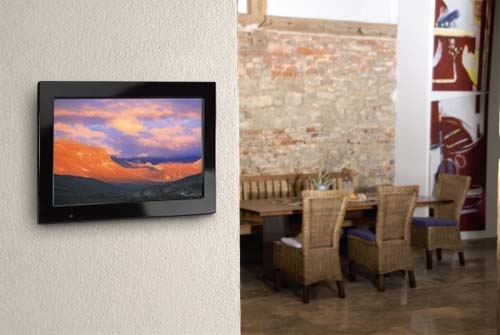
One of my goals (after landscaping) is to finally frame some of my images for the house.
If you’ve had any of your photographs framed lately, you know how expensive it can be!!
So when I saw this photo this morning, it made me think that although this frame is
probably going to be expensive, it would be much more economical than framing the
same amount of images this digital frame could hold. Yes…I agree that 15 inches isn’t
very big but the frame is pretty cool, don’t you think? (click image for more info).
The main goal for my landscaping is to create an ultimate desert photo op.
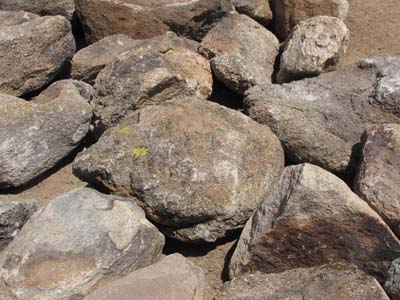
One missing element in my yard is rocks and boulders but some are coming next week.
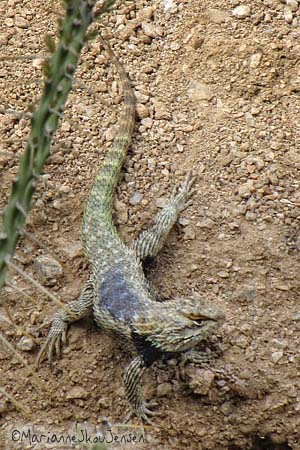
They will make this guy very happy! He was captured from my dining room window.
Once he has a boulder to hide under and do push ups on, I’m hoping he comes back 🙂
I don’t have a Lizard ID book yet so if anyone knows who this guy is, let me know. Thanks!